
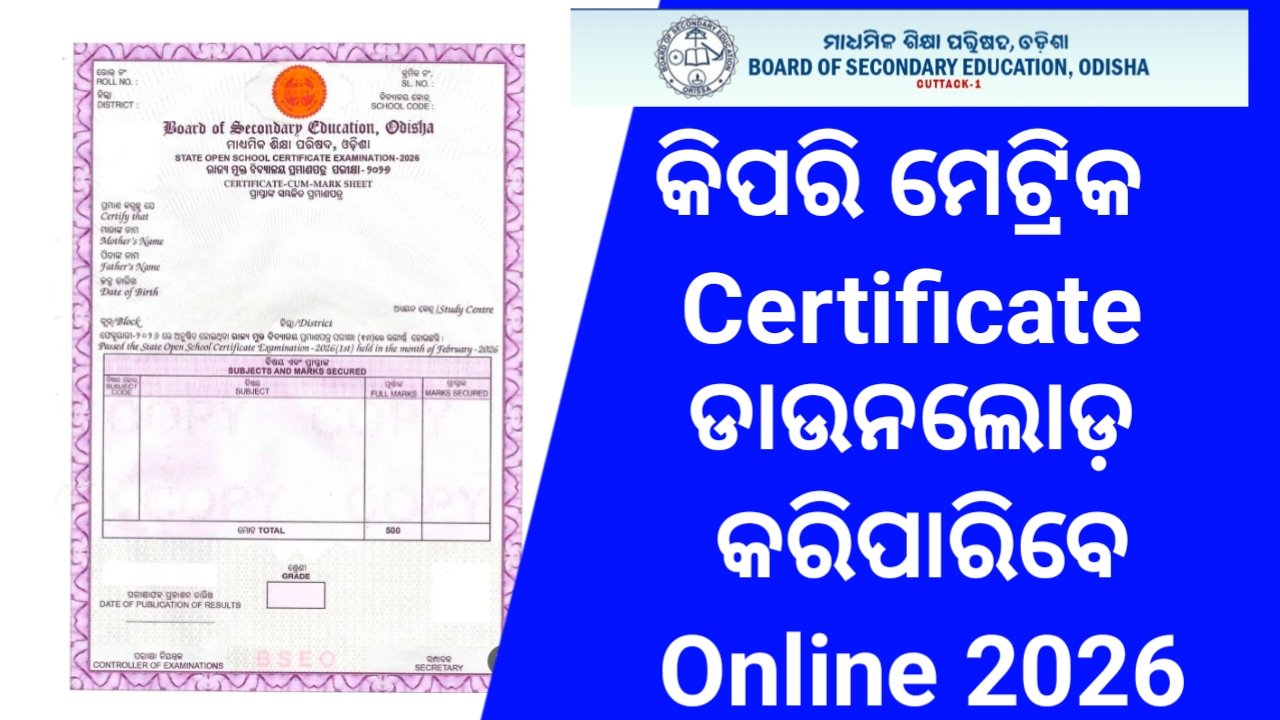
Downloading your 10th pass certificate is now simple through DigiLocker. Students can log in using their mobile number, access issued documents, and download certificates securely. Alternatively, visit your board’s official website like BSE Odisha and enter roll details to access or request your certificate online easily today.
WHATSAPP NUMBER
7710058192
7710058192 ଏହି ନୁମ୍ବର ସେବ କରନ୍ତୁ.. ଓ ହିଁ ଲେଖି Sent କରନ୍ତୁ
ତାପରେ ଏହି Video – ଦେଖନ୍ତୁ 👉- CLICK HERE
ONLINE DOWNLOAD CERTIFICATE 10TH CLASS – CLICK HERE
✅ Use DigiLocker (Easiest way)
Many boards upload certificates here.
- Steps: Go to DigiLocker or open the app
- Sign in using your mobile number (linked with Aadhaar)
- Go to “Issued Documents”
- Search for your board (CBSE, ICSE, State Board, etc.)
- Enter your roll number / year
- Download your certificate (PDF)
✅ From Your Board’s Official Website
Depending on your board:
🔹 CBSE
- Visit: cbse.gov.in
- Go to Results / Digital Documents
- Or use DigiLocker (CBSE mainly uses this now)
🔹 BSE Odisha (since you’re in Odisha)
- Visit: bseodisha.ac.in
- Look for Certificates / Results section
- You may need:
- Roll number
- Year of passing
IMPORTANT LINK :
| 10th Result Check | CLICK HERE |
| 10th pass certificate | CLICK HERE |
| Join WhatsApp Group | JOIN HERE |